Awakening - Keynote Template: A Visual Narrative for Modern Brands
You’ve been there. The presentation is tomorrow, the content is solid, but the slides themselves feel like an afterthought. Generic layouts, mismatched fonts, and a lack of visual cohesion can undermine even the most brilliant idea. This is where the design of your slides stops being decoration and starts becoming a critical part of your communication strategy. A tool like the Awakening - Keynote Template isn't just about making things look pretty; it's about crafting a visual narrative that supports your message, engages your audience, and reflects the professionalism of your brand. It’s for the entrepreneur pitching to investors, the marketer launching a new campaign, or the creative director presenting a portfolio. The goal is clear: to transform a standard deck into a compelling story.
Beyond Bullet Points: The Power of a Cohesive Visual System
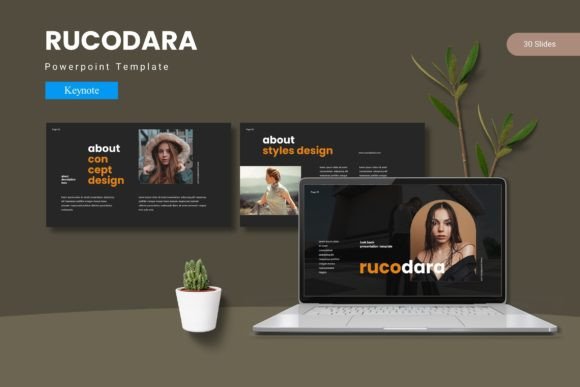
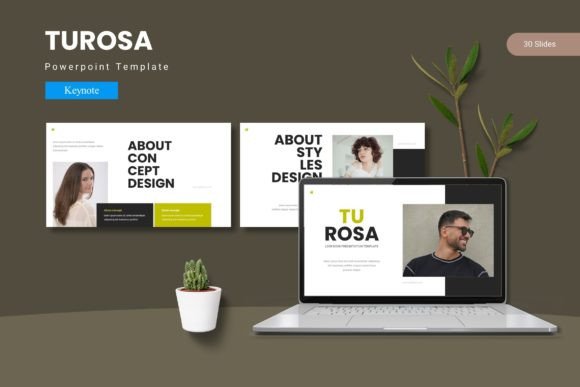
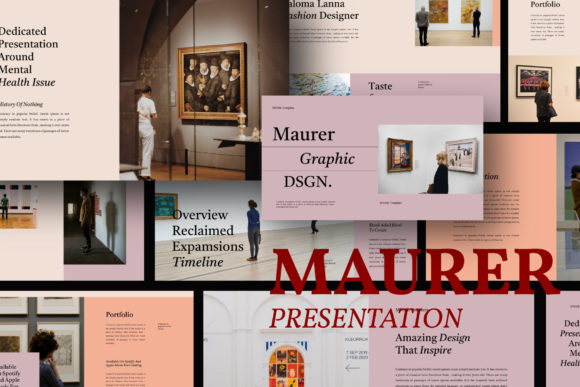
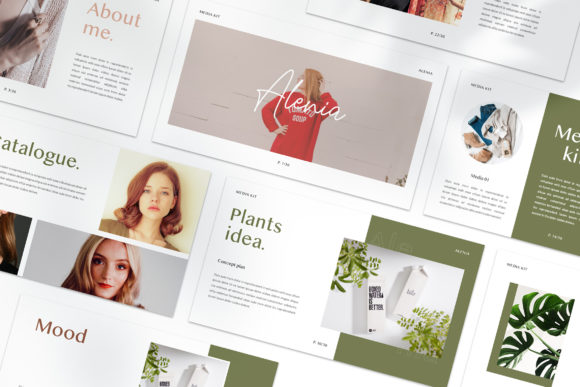
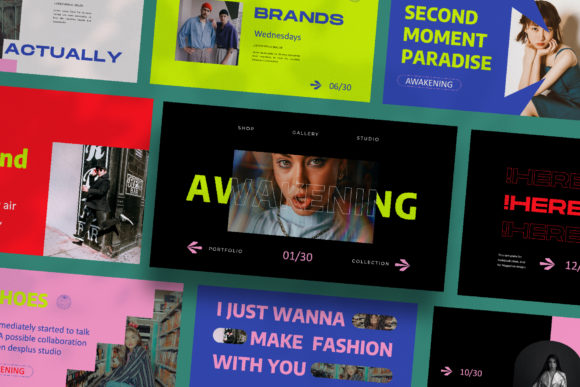
What sets a forgettable presentation apart from one that captivates? Often, it's the underlying design system. The Awakening - Keynote Template is built on this principle. With 30 unique, Full HD slides, it moves far beyond the trap of a single recurring layout. Each slide is conceived as a distinct scene in your story, offering a fresh perspective while maintaining a unified aesthetic. This variety is crucial. A data-heavy slide requires a different layout than a full-bleed image showcase or a minimalist quote. By providing this range, the template ensures your content is always presented in the most effective context, preventing visual fatigue and keeping your audience locked in.
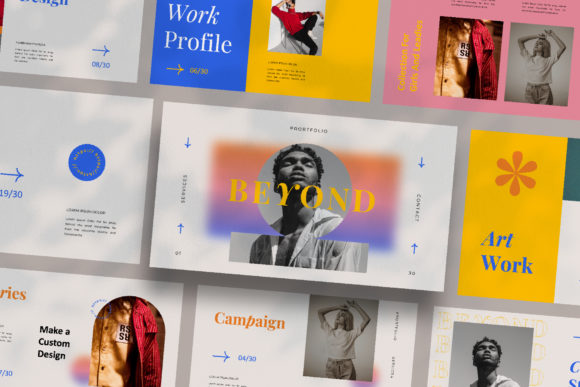
The "lookbook and magazine style" influence is immediately apparent. This approach prioritizes strong visual hierarchies, ample white space, and sophisticated typography. It’s a design language that communicates modernity, clarity, and confidence—qualities any brand wants to project. Whether you're outlining a business strategy, showcasing a product line, or detailing a creative process, the template's structure guides the viewer's eye intentionally, making complex information digestible and aesthetically pleasing.
Practical Applications: From Boardroom to Social Feed
The true value of a design asset lies in its versatility. While its primary function is for Keynote presentations, the principles and components of the Awakening template have far-reaching applications for building a cohesive brand identity.
- Brand Pitch & Investor Decks: Use the unique slide variations to tell your company's story, present market analysis, and showcase financials with a level of polish that builds immediate credibility. The consistent theme color reinforces brand recognition throughout the meeting.
- Marketing & Campaign Launches: Outline a new social media strategy, product launch timeline, or advertising campaign. The clean layouts are perfect for integrating mockups of social media graphics, website designs, and packaging, showing how all elements work together across platforms.
- Client Pitches & Project Proposals: For agencies and freelancers, presentation is everything. Deliver a proposal that looks as good as the work you're promising. The drag-and-drop image placeholders make it easy to customize for each client, inserting their branding and your portfolio samples seamlessly.
- Internal Workshops & Training: Educate your team on brand guidelines, new processes, or company values. A visually engaging presentation is more memorable and effective than a text-heavy document.
- Content Creation & Editorial Layouts: Think of the slides as modular pages for a digital lookbook or media kit. Export individual slides as high-resolution images for use in blog posts, as featured graphics, or as part of a digital product catalog.
Streamlining Your Workflow: Design That Works for You
Time is a non-renewable resource, especially for small business owners and solo creators. The Awakening - Keynote Template is engineered with efficiency in mind. The use of Slidemaster technology is a game-changer for maintaining consistency. By defining your core layouts in the master slide, any global change—like updating your brand's accent color using the automatic color change feature—propagates instantly across all 30 slides. This eliminates the tedious, error-prone process of manually editing each slide.
The "drag & drop your image" functionality, powered by picture placeholders, is another significant time-saver. Instead of wrestling with image sizing and positioning, you simply drop your photograph into the designated area, and the template handles the rest, ensuring perfect cropping and alignment every time. Paired with free, accessible fonts (linked in the included instructions), the template removes the guesswork from typography, ensuring your text is legible and harmonious from the start.
Making It Your Own: Customization Without the Headache
A template should be a starting point, not a cage. The design of Awakening acknowledges that every project has unique needs. The layouts are fully editable, meaning you can adjust text boxes, move elements, or modify color schemes to perfectly align with your specific brand palette or project theme. The many variations of layout and text provide a robust library of options, but they are designed to be mixed, matched, and adapted.
This is where practical design advice comes into play. When customizing:
- Test Your Font Pairings: While the template includes suggested fonts, you may want to incorporate your brand's specific typeface. Ensure any new serif or sans serif font you introduce maintains readability at various sizes and complements the template's overall aesthetic.
- Prioritize Visual Consistency: Use the automatic color change feature to set your primary brand colors once. This single action ensures every chart, icon, and accent element aligns with your identity, fostering instant brand recognition.
- Respect the White Space: The magazine-style layouts thrive on breathing room. Resist the urge to overcrowd slides. Let the strong visual hierarchy guide your content placement.
Remember, all preview images are for illustration. Source your own high-quality photographs from sites like Unsplash or Pexels to make the presentation uniquely yours. This final touch transforms the template from a generic framework into a personalized communication tool that truly represents your vision.