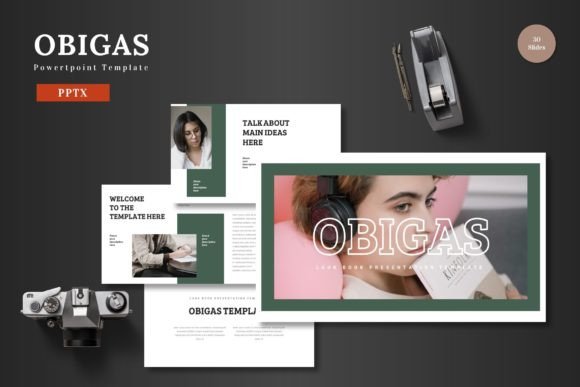
Obigas - Powerpoint Template: A Clean, Multipurpose Slide Solution
You know the feeling. You're preparing for a crucial pitch, a product launch, or a quarterly review, and you open PowerPoint to a blank, intimidating slide. The default templates feel stale, and starting from scratch is a time-consuming luxury few can afford. What you need is a polished, professional foundation that lets your content shine without wrestling with design software. This is where a thoughtfully crafted template like Obigas steps in, offering a structured yet flexible canvas for your ideas.
More Than Just Slides: A Visual Communication Toolkit
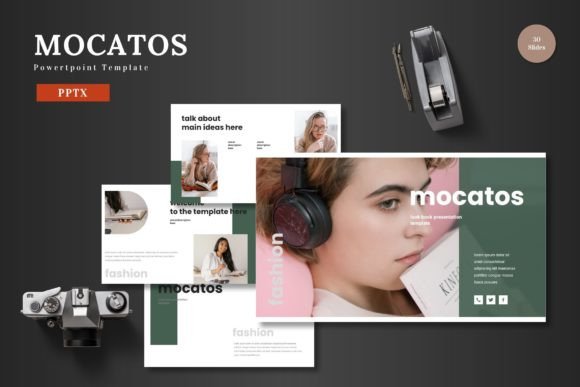
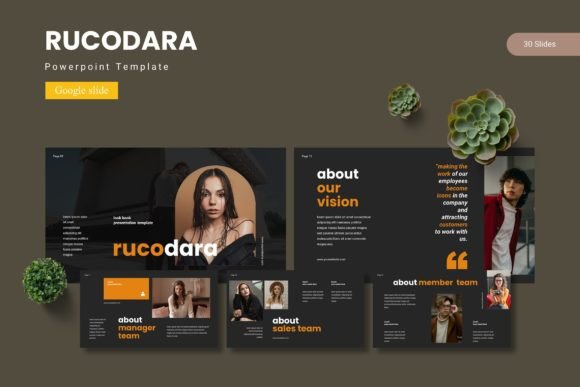
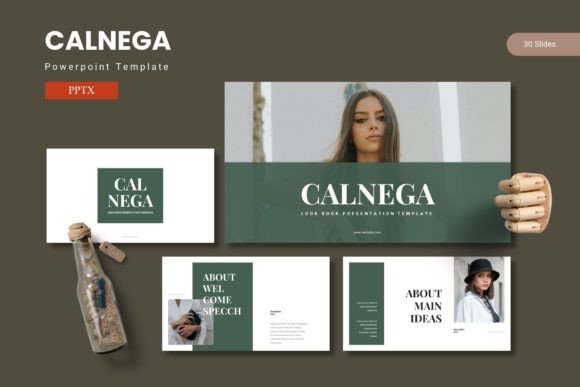
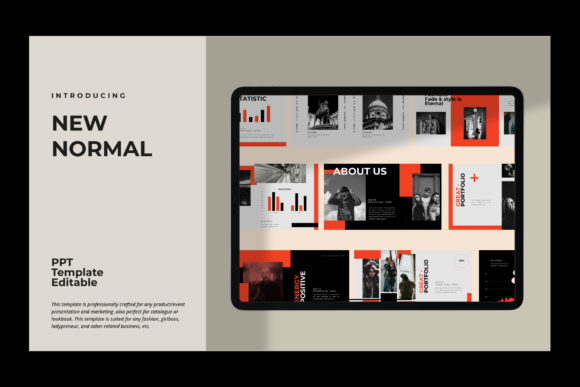
At its core, Obigas is a premium PowerPoint template designed for clarity and impact. It's built on the principle that great presentations are about effective communication, not just pretty pictures. The template provides over 150 total slides across five distinct color schemes, giving you a robust library of layouts for every possible scenario. Think of it not as a single file, but as a comprehensive design system for your presentations. Each of the five premade color variations offers 30 uniquely designed slides, from data-driven infographics to clean portfolio displays, ensuring you have the right visual tool for any message.
The real-world value lies in its practicality. Every element is editable directly within PowerPoint. This means no frustrating trips to other software to change a color or adjust an icon. You can drag and drop your images into pre-built placeholders, modify text with your brand fonts, and resize any graphic without losing quality. This seamless editing process is a game-changer for busy entrepreneurs and marketers who need to produce consistent, high-quality materials quickly. The inclusion of animated slides adds a layer of professional polish, helping you guide your audience's attention and present data in a more engaging way.
Practical Applications for Your Business and Brand
The versatility of a template like this is its greatest strength. Its clean, scalable design makes it suitable for a wide array of professional contexts, directly supporting your brand identity and marketing assets.
For branding and pitch decks, consistency is key. Using the same color scheme and slide master across all your company presentations reinforces brand recognition. You can create a compelling investor pitch, a cohesive sales proposal, or a dynamic company overview that feels unified and trustworthy. The handcrafted infographics are particularly useful here, transforming complex data into easily digestible visual stories that can make or break a deal.
Beyond the boardroom, this template serves as a powerful tool for content creation and digital products. Bloggers and educators can develop visually rich webinar slides or online course modules. E-commerce businesses can design stunning product promotion decks to share with retail partners or use as interactive lookbooks. The portfolio and gallery slides are ideal for designers, photographers, or agencies showcasing their work, ensuring the presentation of their creative projects is as polished as the projects themselves.
It even extends to internal communications and marketing assets. Create engaging internal training materials, clear project update reports, or visually appealing social media content directly from your slides. You can export specific slides as images for Instagram carousels or use the template's structure to plan video content. The ability to maintain a pixel-perfect, professional look across all these touchpoints strengthens your overall brand perception, whether you're communicating with a client, a collaborator, or your own team.
Design Decisions: Ensuring Your Presentation Succeeds
Having a great template is the first step; using it effectively is the next. Here’s how to leverage a resource like Obigas to improve your visual communication and audience engagement.
First, choose the right color scheme for your goal. The five included variations aren't just aesthetic choices; they set a tone. A bold, high-contrast scheme might be perfect for a tech startup's disruptive idea, while a softer, more muted palette could better suit a wellness brand or a luxury product. Match the color psychology to the emotion you want to evoke in your audience.
Next, focus on readability and hierarchy. The template provides a clear structure, but your content needs to work with it. Use the built-in text placeholders to establish a clear visual hierarchy. Your main headline should be instantly recognizable, subheadings should guide the viewer through sections, and body text should be concise and easy to scan from a distance. Avoid the temptation to overcrowd slides; let the clean design breathe and support your key points.
Finally, test your font pairings within the framework. While the template uses standard PowerPoint fonts, you'll likely want to inject your brand's typeface. A good rule of thumb is to pair a clean, readable sans-serif font for body text with a more distinctive serif or display font for headlines. Ensure the fonts you choose complement each other and the overall modern aesthetic of the template. This careful typography work enhances professionalism and ensures your message is not just seen, but easily understood. By treating the template as a flexible starting point rather than a rigid mold, you can create presentations that are both visually consistent and uniquely yours, effectively turning every slide into a strategic piece of your brand's visual identity.